
Ensure Arlo Custom Mode is enabled and set up before attempting to create a Custom Mode Schedule.
To create a Schedule for Arm Away, Arm Home, or Standby Mode, visit: How do I add a Schedule Automation to my Arlo system?
To create an Arlo Custom Mode Schedule:
- Launch the Arlo Secure App.
- Tap Routines.
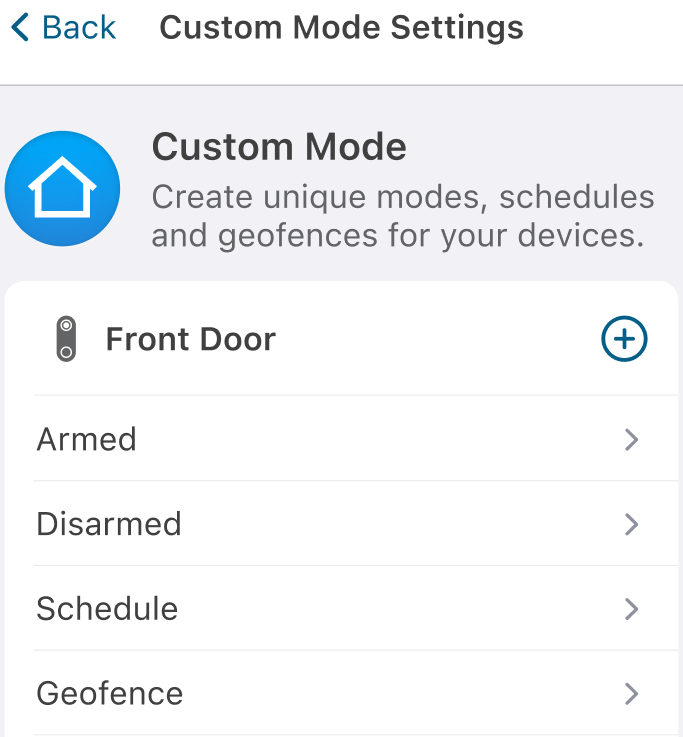
- Tap Custom Mode.
- Tap Schedule under the device of your choice.
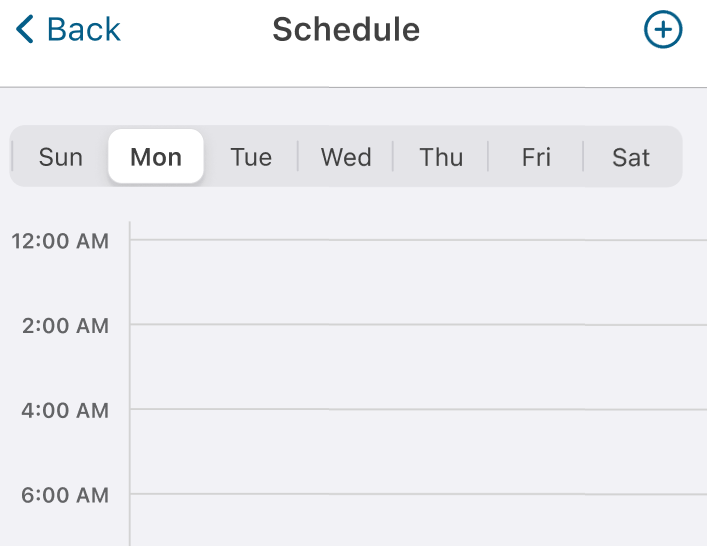
- Tap the Add icon

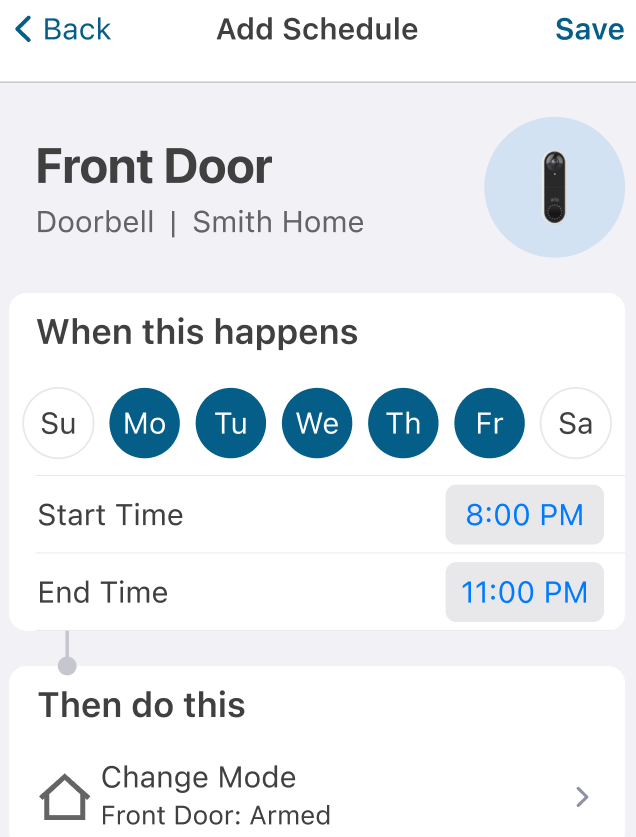
- Select the days and times for the schedule and tap Change Mode.
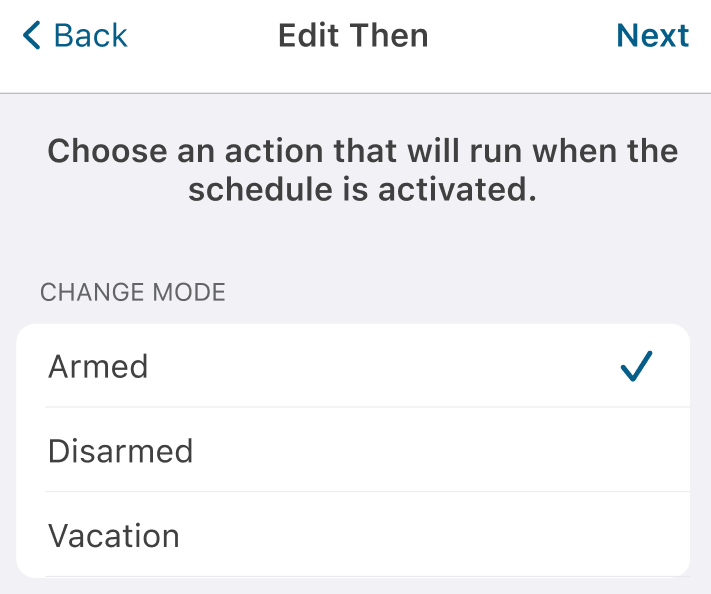
- Choose an action that will run when the schedule is activated and tap Next.
- Tap Save.
- To create additional schedule items, tap the Add icon