
This FAQ applies to the new Arlo Essential Indoor Camera 2K and HD (3rd Gen).
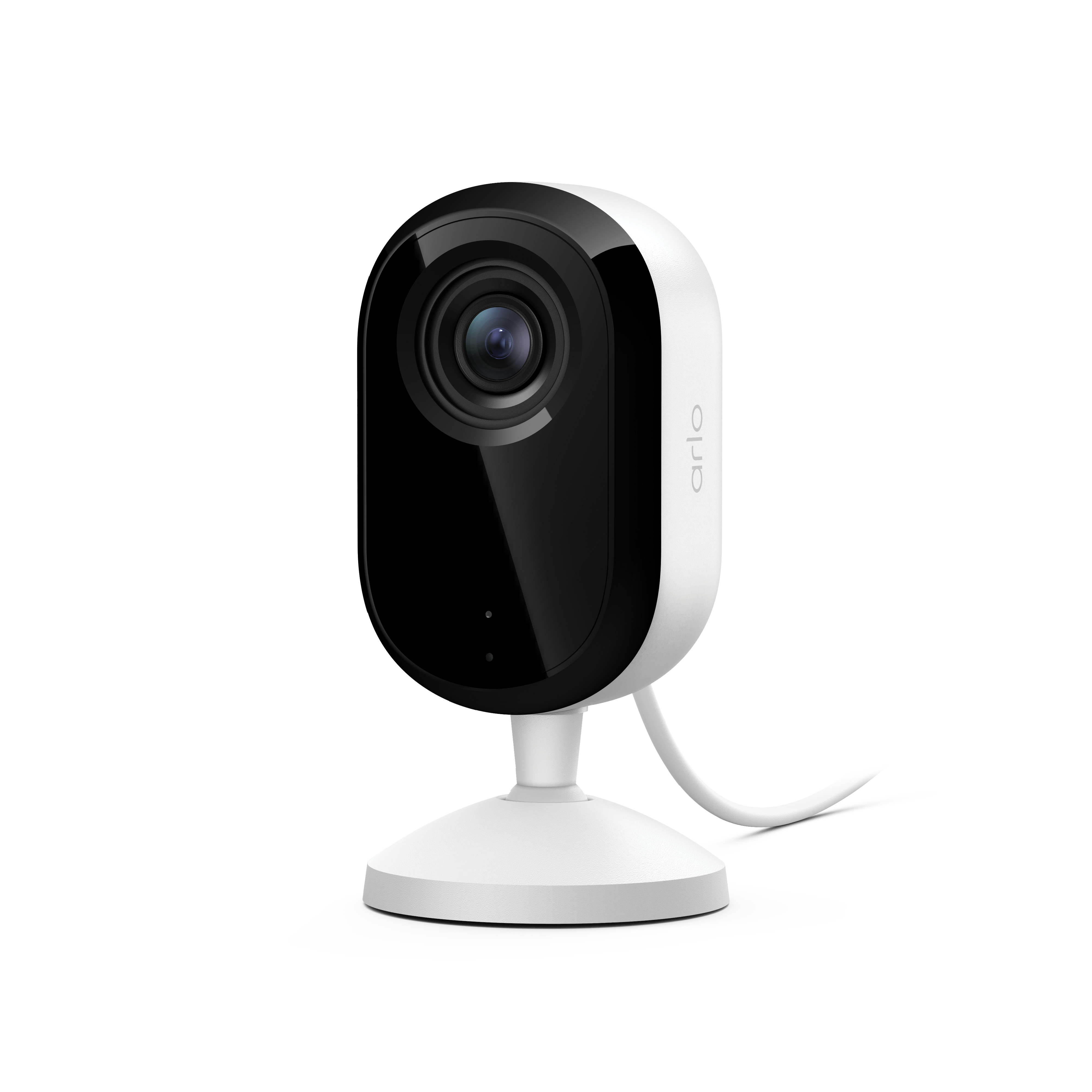
What is the Arlo Essential Indoor Camera (3rd Gen) video resolution?
Arlo Essential Indoor Cameras (3rd Gen) feature a video resolution of 1080p and 2K, with a 16:9 aspect ratio.
What is the field of view on the Arlo Essential Indoor Camera (3rd Gen)?
The Arlo Essential Indoor Camera (3rd Gen) has a 130-degree field of view.
Does the Arlo Essential Indoor Camera (3rd Gen) have an integrated siren?
Yes. The siren can be set to trigger automatically when motion or sound is detected, or it can be enabled manually using the Arlo Secure App.
How do I mount the Arlo Essential Indoor Camera (3rd Gen)?
You can use the included mounting plate to mount the camera on a wall, or you can place the camera on a flat surface.
For more information, visit: How do I mount my Arlo Essential Indoor Camera (3rd Gen) to a wall?
Do I need an Arlo SmartHub use the Arlo Essential Indoor Camera (3rd Gen)?
No. You can connect the Arlo Essential Indoor Camera (3rd Gen) directly to your 2.4 GHz or 5 GHz Wi-Fi network.
What type of charging cable does the Arlo Essential Indoor (3rd Gen) use?
The Arlo Essential Indoor (3rd Gen) uses a USB-C charging cable.
What is the minimum upload bandwidth speed required?
The Arlo Essential Indoor Camera (3rd Gen) requires an upload speed of at least 2 Mbps per camera.
For more information, visit: What are the minimum requirements for installing and using my Arlo system?
Can I use continuous video recording (CVR) with the Arlo Essential Indoor Camera (3rd Gen)?
Yes, Arlo Essential Indoor Cameras (3rd Gen) are compatible with CVR.
For more information, visit: What is Continuous Video Recording (CVR) and how do I use it?
Is an Arlo Secure trial included with the Arlo Essential Indoor Camera (3rd Gen)?
Yes. A 30-day Arlo Secure trial is included with the purchase of an Arlo Essential Indoor Camera (3rd Gen).
What is the Privacy Shield?
The automated Privacy Shield closes whenever you disarm your camera, ensuring that your moments are private when needed. When the Privacy Shield is closed, your camera disables motion and audio detection, and the camera’s microphone is turned off.
For more information, visit: How do I use the Privacy Shield on my Arlo Essential Indoor Camera?
Can I close the Privacy Shield manually?
You can close the Privacy Shield in the Arlo Secure App by disarming your camera. Do not manually close the Privacy Shield with your finger. If you are subscribed to CVR, the Privacy Shield must remain open to allow continuous recording.
What smart home and voice assistant systems can I use with the Arlo Essential Indoor Camera (3rd Gen)?
The Arlo Essential Indoor Camera (3rd Gen) is compatible with Amazon Alexa, Google Assistant, Samsung SmartThings, and If This Then That (IFTTT).
For more information, visit: What smart home and voice assistant systems can I use with my Arlo devices?